

Safe Steps
Technologies
Backend
 Node.js
 PostgreSQL
Node.jsPostgreSQL
Tools / Platforms
 Unity
 Blender
 C#
Unity
Blender
C#
Features
Smart features crafted for a seamless digital experience.
Immersive VR Training
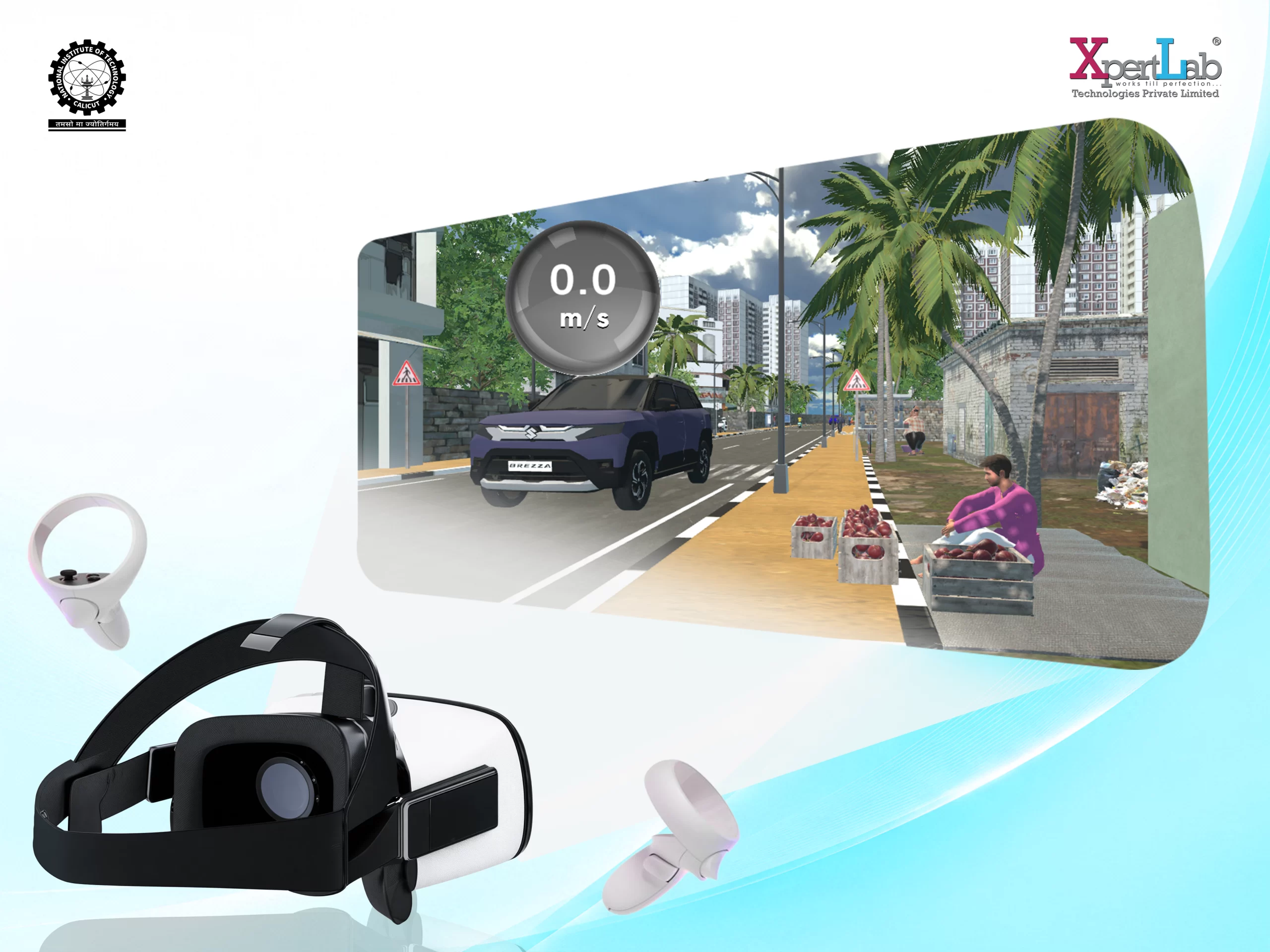
Experience a realistic Indian city environment through room-scale virtual reality designed specifically for student road-safety training.
Guided Training Mode
Students receive step-by-step guidance as they navigate the route and learn correct pedestrian and public-transport safety practices.
Road Safety Assessment
An assessment mode allows students to demonstrate their understanding by independently completing real-world road safety scenarios.
Safe Bus Travel
Learn how to safely wait for a bus, board it, travel responsibly, and get off at the appropriate location.
Zebra Crossing Awareness
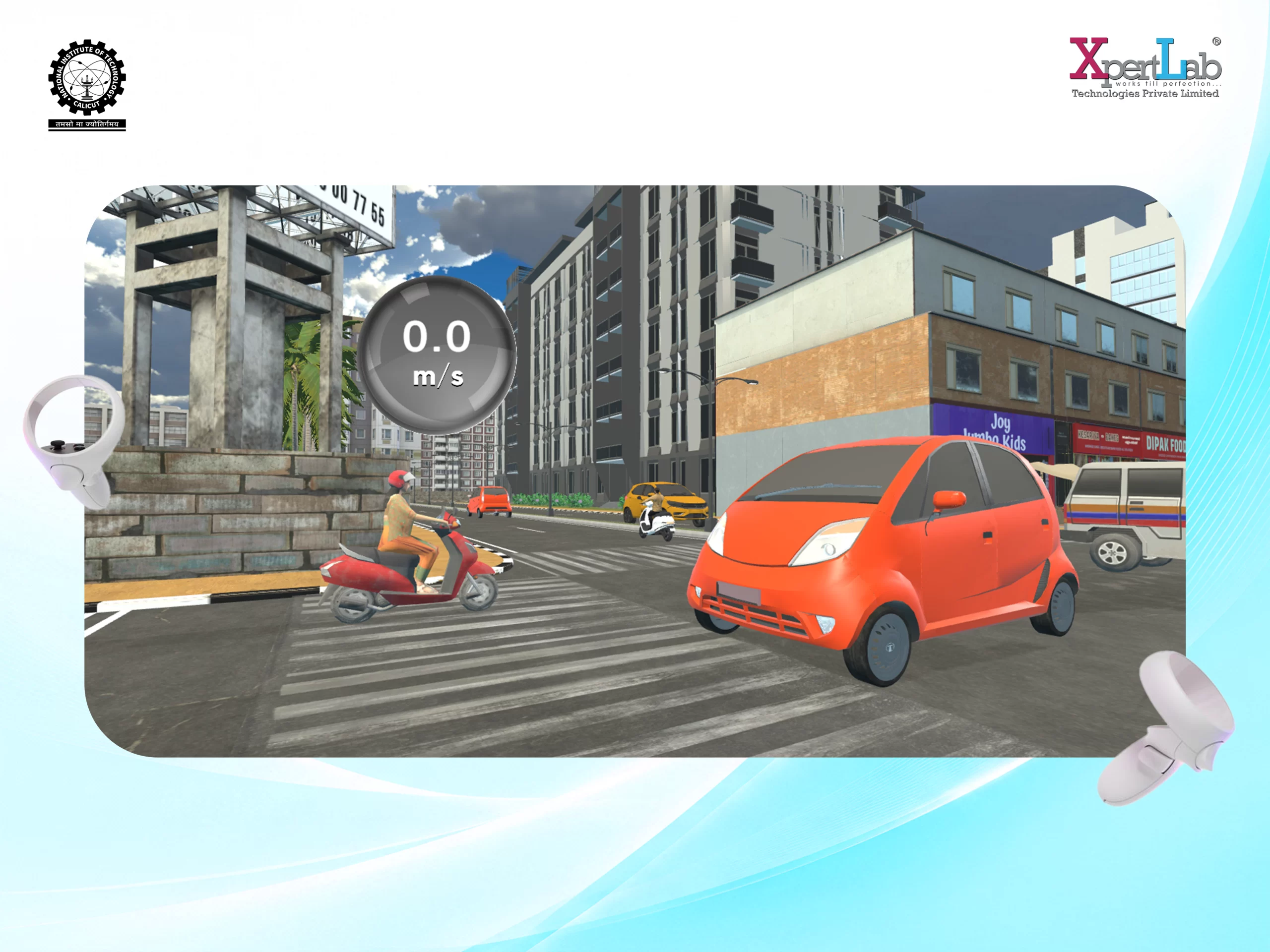
Students learn the correct way to cross the road at a zebra crossing, including safely crossing behind a stationary bus.
Footpath Hazard Navigation
Practice identifying and safely navigating common footpath obstructions and street-level hazards.
Traffic Signal Training
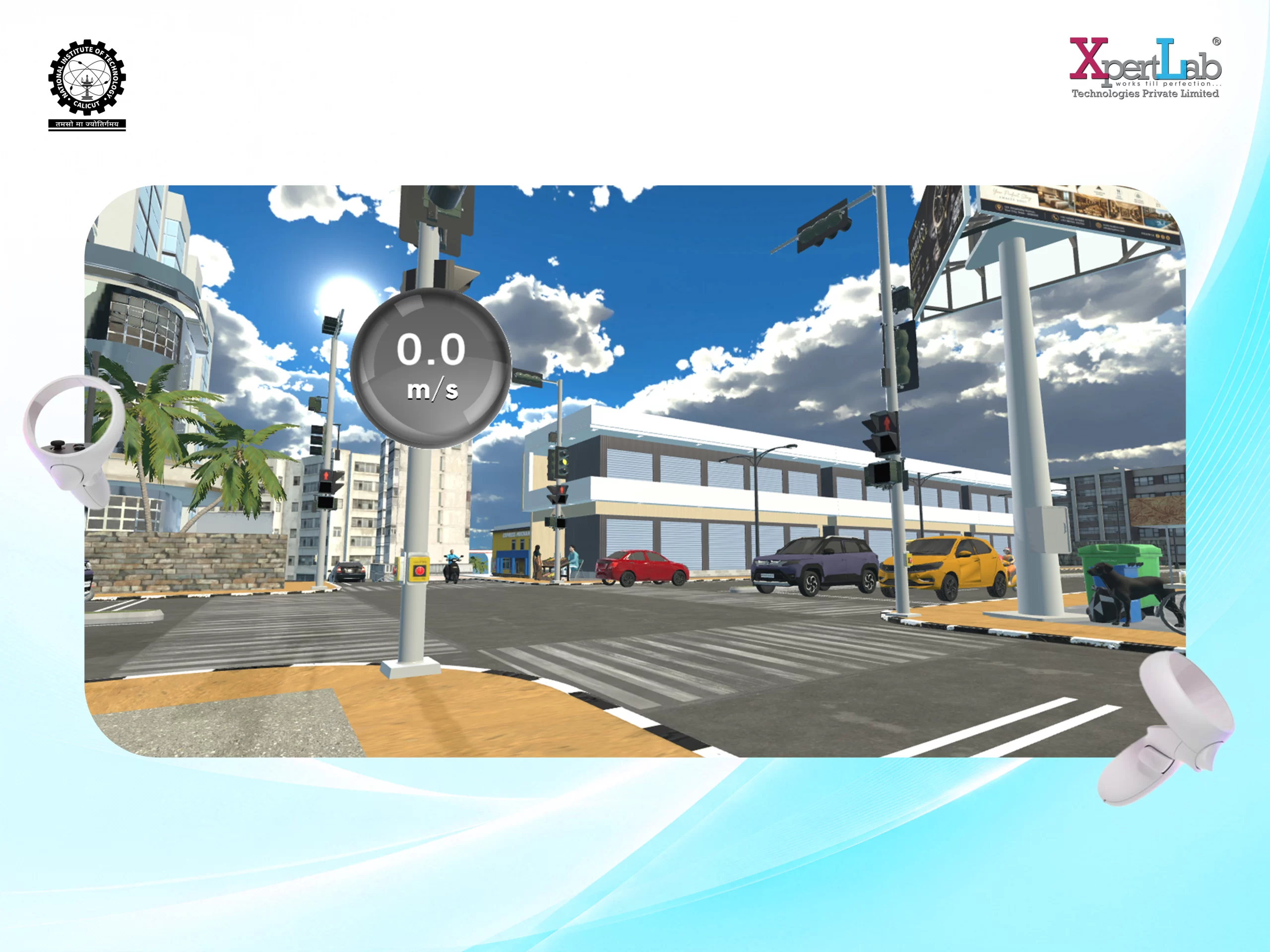
Students interact with pedestrian signals and learn to wait for the correct signal before crossing a busy intersection.
Real-World Indian City Simulation
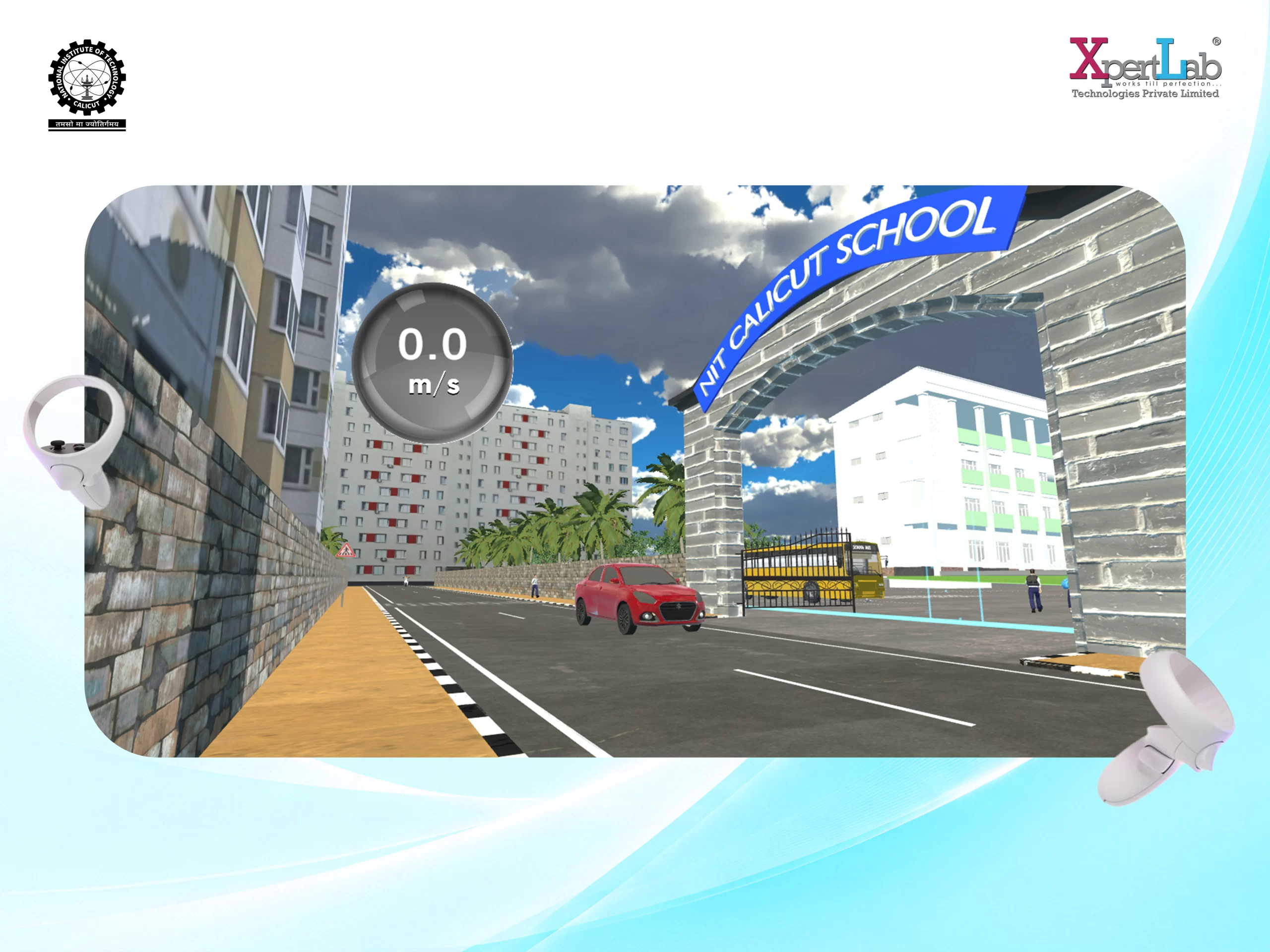
A familiar Indian urban environment recreates everyday traffic, roads, buses, crossings, and pedestrian challenges.
Interactive Learning Experience
Students actively interact with objects and surroundings, turning road-safety concepts into practical, memorable experiences.
Continuous School Route
The training follows a complete journey from the starting point to the school gate, connecting multiple safety scenarios into one continuous experience.
Student Login & Backend Integration
The simulator connects with the Safe Steps backend, allowing trainees to securely log in and access their designated training experience.
Practical Safety Skills
Build real-world decision-making skills by responding to everyday road situations and learning safer pedestrian behaviour.